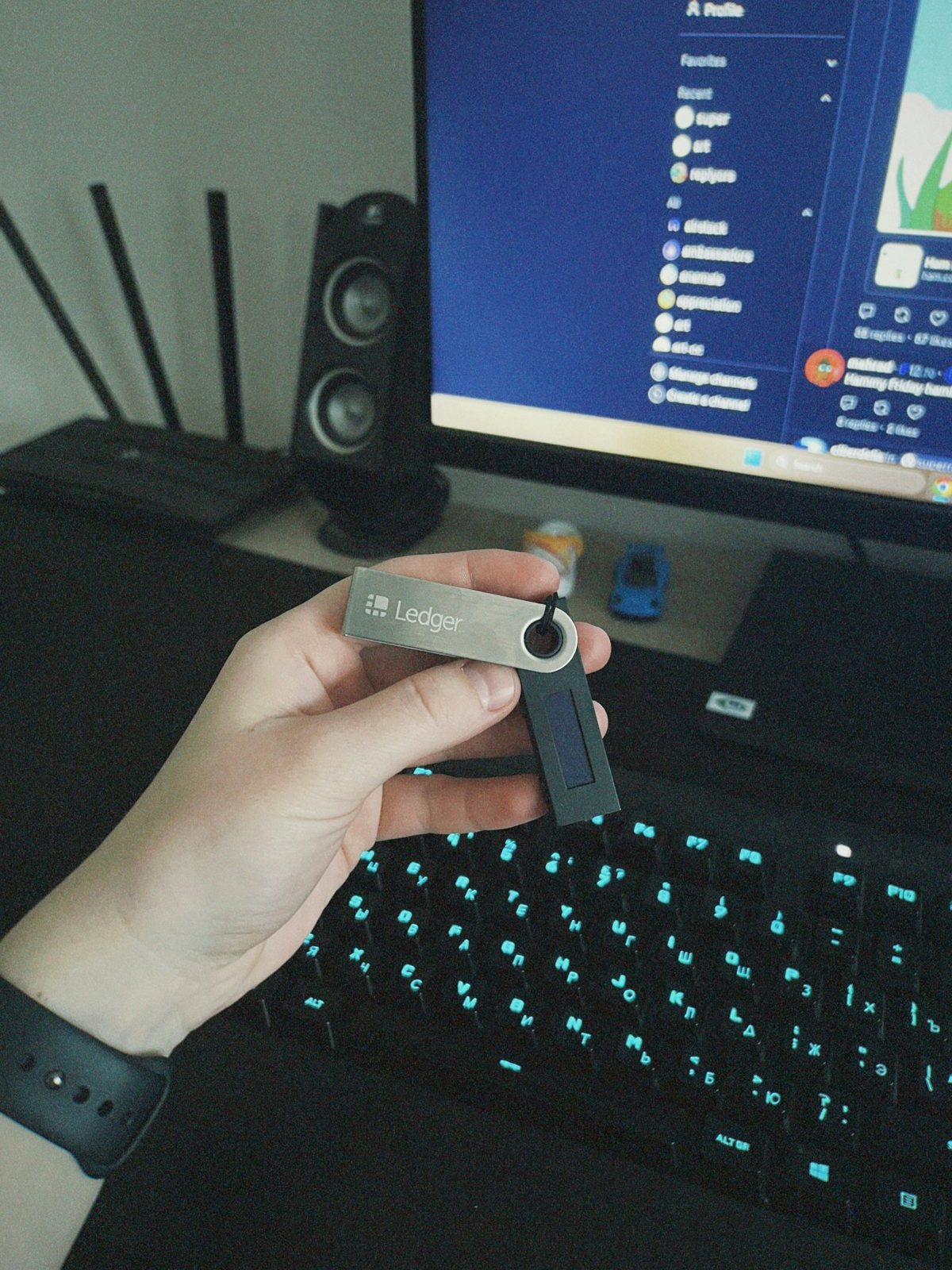
Crypto wallet passkeys are a way to authenticate with a device-based credential instead of relying only on a typed password. They can reduce phishing exposure when used with a supported wallet, but they do not make every crypto account or transaction risk-free. The wallet provider, the type of wallet, the device backup settings and the recovery process all matter. Before enabling a passkey, read the instructions for the exact wallet you use and understand what happens if your phone or computer is lost.
Passkeys and recovery phrases solve different problems
A passkey helps prove that you control an approved device or credential during sign-in. A recovery phrase, where the wallet uses one, can recreate the wallet’s private keys. These are not interchangeable secrets. Some smart wallets use a different recovery design, and a hosted exchange account may rely on account recovery rather than a self-custody phrase. Do not assume that a passkey replaces every backup the wallet asks you to store.
How device credentials are stored
Passkeys may be protected by a device’s secure hardware and can be synced through a platform account, depending on how they were created. The exact behavior varies between operating systems, browsers, wallet providers and backup services. A cloud-synced credential may be recoverable when you replace a device, but it also depends on the security of the cloud account. A hardware security key may provide another factor, yet it can be lost or damaged. Read the wallet’s current settings and recovery documentation before making a change.
Security checks before enabling a passkey
- Confirm the wallet app or site is genuine and reached through a trusted route.
- Review which device or password manager will hold or sync the credential.
- Check whether a separate recovery phrase, key or backup remains necessary.
- Add an available secondary sign-in method without storing it beside the primary device.
- Test the documented recovery flow while you still have access to the existing device.
Never approve a sign-in prompt you did not initiate. A scammer may contact you while pretending to help with a wallet migration and ask for a one-time code, recovery phrase or device approval. Real support channels should not need your private key or recovery phrase. If a prompt appears unexpectedly, deny it and open the provider’s official help centre yourself rather than following a link from a message.
A passkey does not validate a transaction
Authentication helps open an account or wallet; it does not prove that a transaction is harmless. A malicious contract approval, incorrect recipient address or deceptive signing request can still result in loss. Read the transaction details and network before confirming. For self-custody, the wallet holder remains responsible for the keys and signatures. For a hosted wallet, the provider’s account protections and custody arrangements become part of the risk picture.
What to do when a device is lost
Use the wallet provider’s official recovery guide from a trusted device. If a passkey was synced through a platform account, secure that account first with its current recovery and two-step verification options. If a self-custody recovery phrase was exposed or stored in an unsafe location, treat it as compromised and follow the wallet’s official procedure to create a new wallet and transfer assets. Never use a recovery service that asks you to send the phrase to them.
Before relying on a passkey as your only route, test whether your chosen device or credential manager can restore it after a replacement. Keep the recovery steps separate from the device itself and do not create a plain-text copy of a secret to make the process easier. The safest setup is the one you understand, can recover using official instructions and can keep private.
When using a hosted exchange, a passkey may protect account sign-in while the provider retains custody of assets. When using a self-custody wallet, signing authority may sit with a local key or smart-wallet recovery design. Confirm which system you have before assuming that a lost device has the same remedy in both cases.
Coinbase’s help pages describe particular passkey and smart-wallet flows; they are examples for that provider, not universal rules for every wallet. Other wallets may use different credentials and backup steps. For broader custody and exchange topics, see the crypto exchange and liquidity hub and the US English blog archive. This article is security education and not investment advice.


