A self-custody crypto wallet in Canada is a way to manage the keys that authorise blockchain transactions. A crypto balance on an exchange and an asset controlled through a self-custody wallet are not the same arrangement. With exchange custody, the provider manages the keys and account access. With self-custody, you hold the recovery credentials and are responsible for keeping them safe. The important comparison is control, recovery and withdrawal access, not whether the interface looks like a wallet app.
Canadian crypto education pages distinguish exchange accounts from non-custodial wallets, and investor materials note that a user can hold private keys directly. That distinction can help you decide where to keep assets used for trading, transfers or longer-term access. It does not make one option right for everyone: each adds a different risk and a different recovery process.
What “custody” means in practice
If crypto is held in an exchange account, the provider generally controls the private keys and records your balance within its system. You sign in with account credentials, and the platform processes deposits and withdrawals according to its terms. This may be convenient for converting CAD or accessing a trading interface. It also means you rely on the company’s controls, operational continuity, account verification and withdrawal process.
A self-custody wallet gives you the private keys or recovery phrase needed to authorise transactions. The crypto itself remains recorded on a blockchain; the wallet lets you see the account and sign a transaction. If you lose access to the device, a compatible wallet may be restored with the recovery phrase. If that phrase is lost or copied by someone else, the outcome can be permanent: no exchange helpdesk can reset a key that only you control.
Some products blend categories. A platform may offer an exchange account and a separate self-custody wallet, but one login does not prove that they share the same custody model. Read the product’s documentation and identify who holds the keys for the specific address where your assets are located.
Moving from CAD to a wallet
A Canadian user may fund a platform with Canadian dollars and then withdraw a crypto asset to an external address. The CAD funding rail is separate from the blockchain transfer. Confirm current deposit methods, withdrawal minimums, fees and processing times inside the platform; these can vary by provider and account. If a payment is pending, do not send another deposit simply because the interface has not refreshed.
When you withdraw, match the asset and network selected by the exchange with the network supported by the receiving wallet. The same asset ticker can appear on multiple networks. A transfer sent to the wrong network can fail to appear or require technical recovery. A low fee does not make a network compatible. Check the deposit and withdrawal instructions at both ends before confirming.
For a first transfer to a new address, consider a small test amount, then verify it appears in the correct wallet on the expected network. This does not eliminate risk, but it can reveal a copied address error, a wrong network or a wallet display issue before you make a larger transfer. Keep the transaction ID and date in your own records.
Choosing between software and hardware
A software wallet can be a mobile app, desktop tool or browser extension. It is accessible for regular transactions and decentralised applications, but the device is often connected to the internet. Keep the operating system and app current, use the official download source and check each transaction’s address and permissions. A malicious extension or fake support page can imitate a trusted provider.
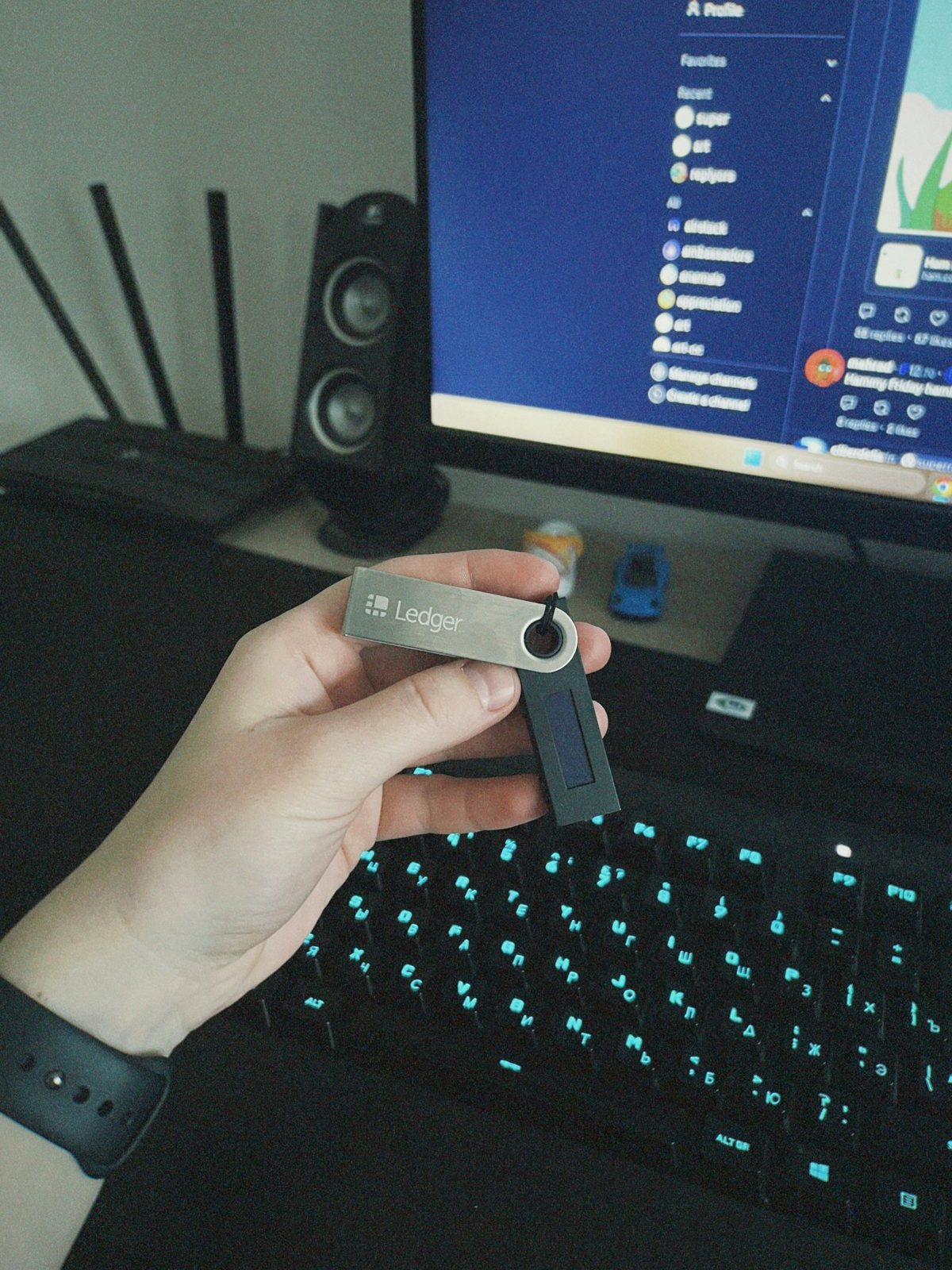
A hardware wallet stores private keys on a separate device and signs transactions without exposing the key directly to a connected computer. It may suit a user who wants an additional signing step, but the device still has to be genuine and used correctly. You must protect its PIN and recovery phrase, inspect what is being signed and keep a safe recovery plan. A hardware device does not protect against willingly approving a fraudulent transaction.
Consider how often you transact, what recovery process you can maintain and whether you can follow the device’s verification steps. Keeping assets across several wallets may add separation, but it also creates more backups and more chances to lose track of an address or seed phrase. Simplicity can be a security benefit if the setup is understood and documented.
Recovery and family access
A recovery phrase is usually a sequence of words generated when a self-custody wallet is created. Treat it like a master key, not like a password you can reset. Store it offline in a location protected from casual discovery and physical damage. Do not place it in a cloud drive, screenshot folder or email draft. Never enter it into a page reached through a direct message claiming that your wallet needs an update.
If you want a trusted person to be able to help in an emergency, plan that access without sending the phrase over chat. Consider what instructions they would need, where a device or backup is stored, and what threats the arrangement introduces. A plan should be understandable to someone else while not exposing the keys to unauthorised people. If no one else can recover the wallet, make that limitation explicit in your records.
Questions to ask before choosing
- Who controls the private keys for this exact account or address?
- Can the provider freeze or delay a withdrawal under its terms?
- Which network does the wallet support for the asset you are sending?
- How will you recover access if a phone, device or password is lost?
- Can you verify the address and make a small test transfer first?
Compare custody and recovery steps before choosing a storage setup. More explainers are in the crypto-risk hub and the Canadian CryptoSigy blog. For a Canadian investor overview, see the Canadian Securities Administrators’ cryptocurrency guide; for the custody distinction, read the Canadian exchange and self-custody explainer.
Self-custody removes some reliance on a platform while placing more responsibility on the wallet holder. Protect keys and verify transactions before approving them.